OctoBot - Open Source Crypto Trading Automation Bot
Trade smarter with Python-powered automation
Description
Project Stats
| ⭐ Stars | 🍴 Forks | 📝 License | 💻 Language | ⛓️ Chains |
|---|---|---|---|---|
| 4,962 | 1,008 | GPL-3.0 | Python | Ethereum, Bsc, Base |
OctoBot 2.0.14
Octobot Community

What is Octobot ?
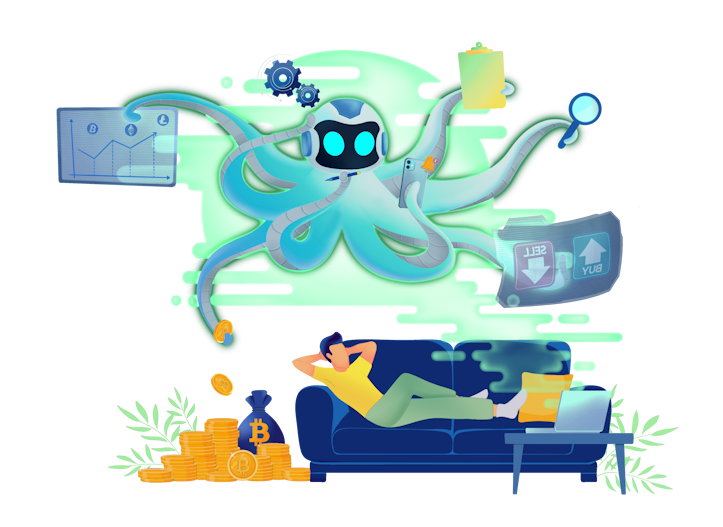
Octobot is a powerful open-source cryptocurrency trading robot.
OctoBot is highly customizable using its configuration and tentacles system. You can build your own bot using the infinite configuration possibilities such as technical analysis, social media processing or even external statistics management like google trends.
Octobot's main feature is evolution, you can :
- Create, backtest and optimize your unique trading strategy from scratch or using the existing strategy bases.
- Use Technical indicator (TA), artificial intelligence, ChatGPT predictions, TradingView automations or crypto baskets to automate your strategies.
- Trade any crypto on SPOT and Futures markets on more than 15 supported exchanges.
- Install, modify and even create new tentacles to build your ideal cryptocurrency trading robot.
- Contribute to improve OctoBot core repositories and tentacles.
OctoBot is AI ready: Python being the main language for OctoBot, it's easy to integrate machine-learning libraries such as Tensorflow or any other libraries and take advantage of all the available data and create a very powerful trading strategy.
Looking for more info ? Check out our Octobot guides at octobot.cloud/en/guides/octobot
Installation
One click deployment using DigitalOcean
OctoBot can be easily launched on the cloud from the DigitalOcean Marketplace.
Manual installations
To install OctoBot, you can either:
- Deploy your OctoBot on the cloud using DigitalOcean and have your OctoBot automating your strategies 24/7.
- Download and install OctoBot on your computer or server.
- Install OctoBot using docker.
Docker install in one line summary:
Your OctoBot will be accessible on http://localhost.docker run -itd --name OctoBot -p 80:5001 -v $(pwd)/user:/octobot/user -v $(pwd)/tentacles:/octobot/tentacles -v $(pwd)/logs:/octobot/logs drakkarsoftware/octobot:stable
Exchanges
Octobot supports many exchanges thanks to the ccxt library. To activate trading on an exchange, just configure OctoBot with your API keys as described on the exchange setup guides.
Paper trading
To trade on any exchange, just activate the exchange in your OctoBot. This enables you to trade with simulated money on this exchange.
No exchange credential is required.
Real trading
To use your real exchange account with OctoBot, enter your exchange API keys as described on the exchange guides.
Follow your investments
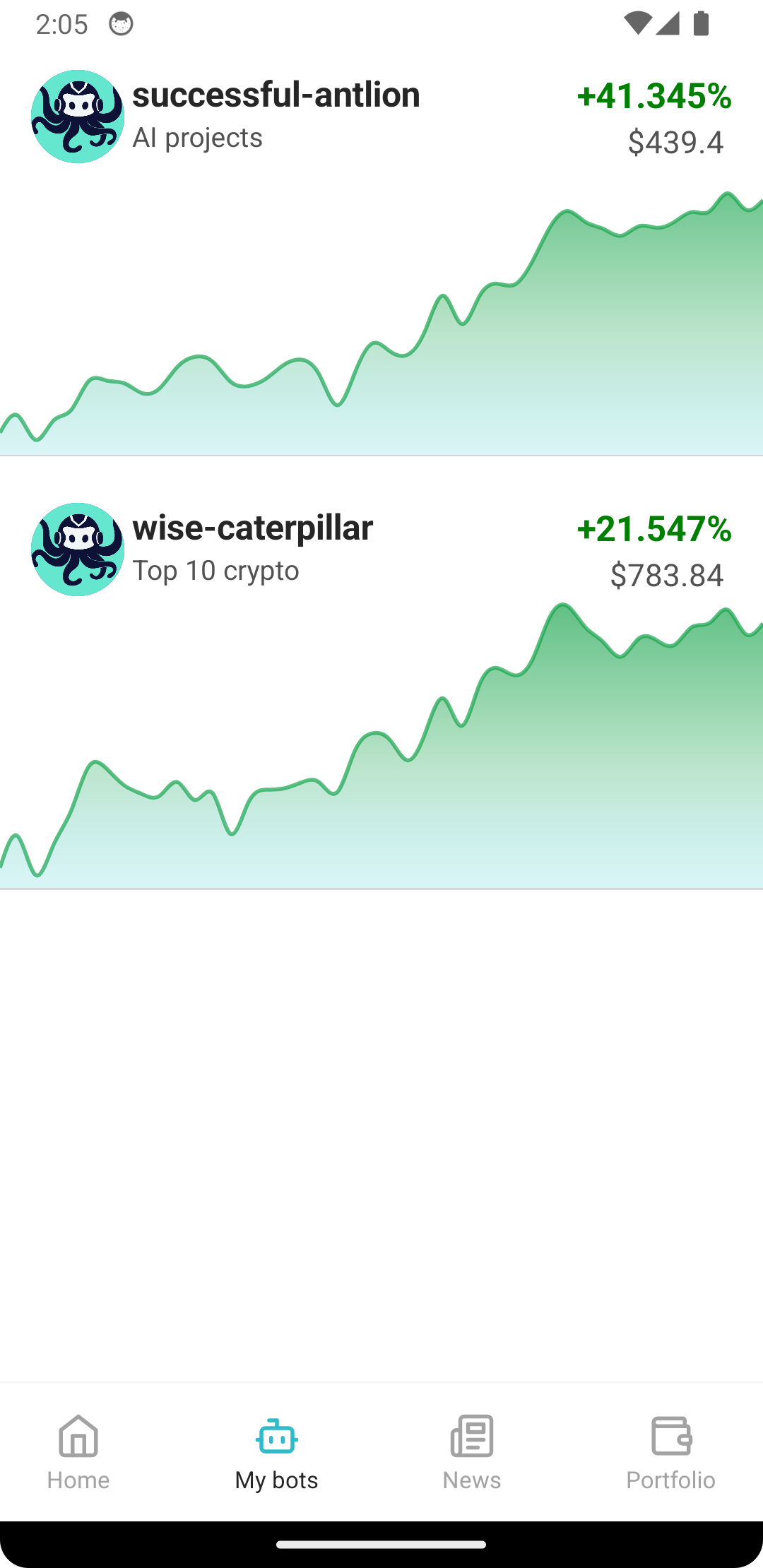
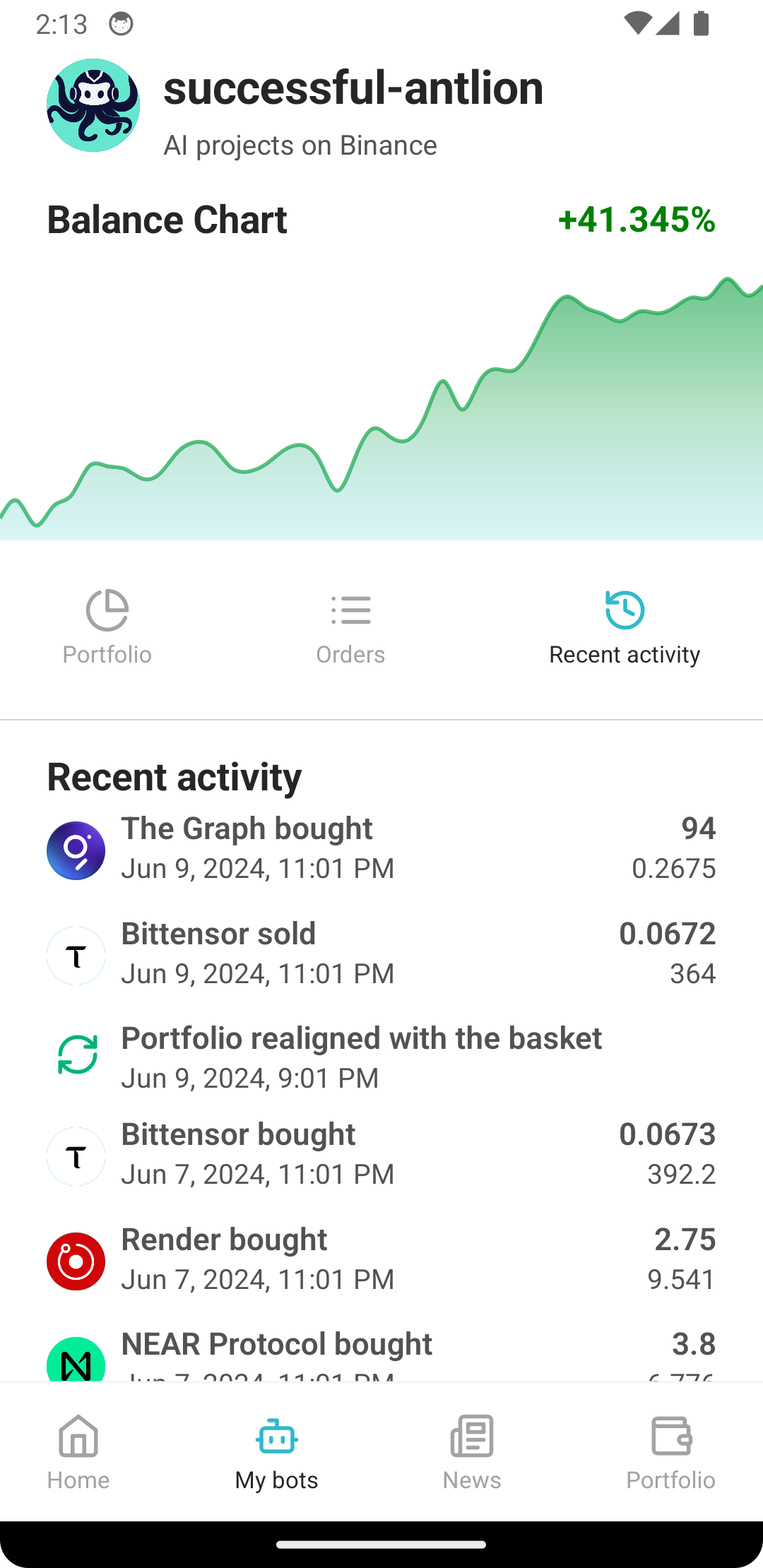
You can follow your OctoBots portfolio, orders, trades and historical performance from your phone with our Android application. You can also install the web application to have the same experience on any smartphone or computer.

Testing trading strategies
OctoBot comes with its built-in backtesting engine which enables you to trade with simulated money using historical exchange data.
Backtesting will give you accurate insights on the past performance and behavior of trading strategies.
Institutionals
If you are an institutional interested in a commercial license or custom development to suit your specific needs please contact us at contact@drakkar.software.
Market making
A market making distribution of OctoBot is available as a free open source software.
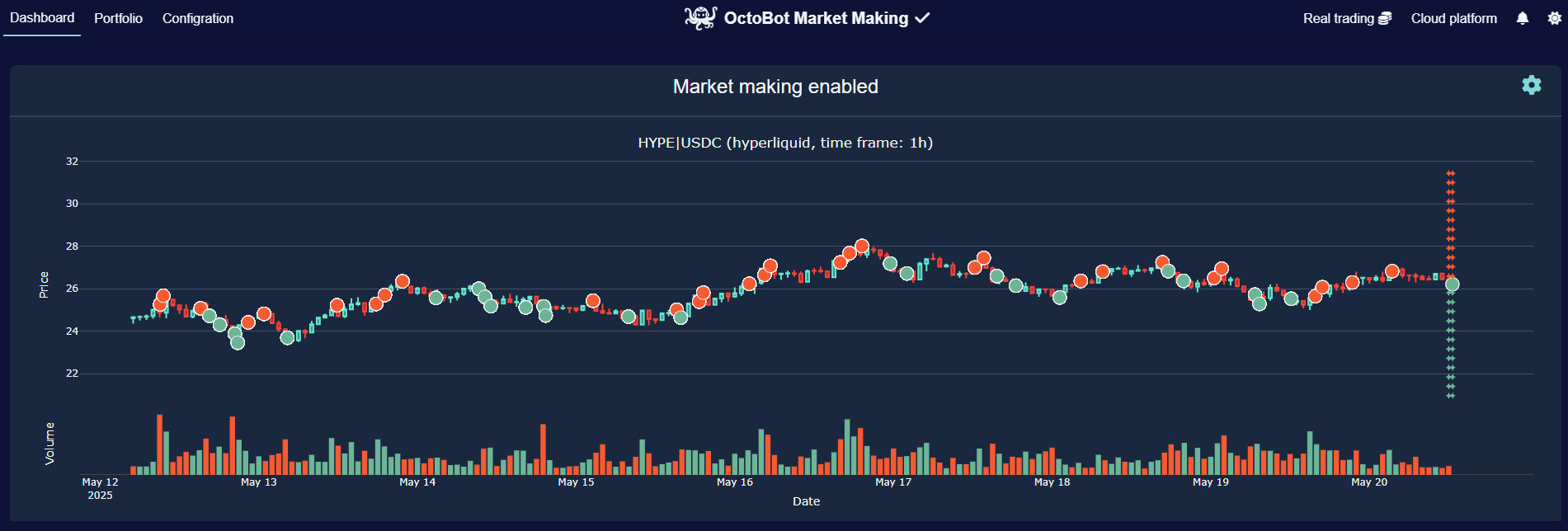
Advanced market making strategies can be automated on market-making.octobot.cloud, the self-service market making platform based on OctoBot. Feel free to contact us if you have any questions about it.
Contribute from a browser IDE
Make changes and contribute to OctoBot in a single click with an already setup and ready to code developer environment using Gitpod !
Hardware requirements
- CPU : 1 Core / 1GHz
- RAM : 250 MB
- Disk : 1 GB
Disclaimer
Do not risk money which you are afraid to lose. USE THE SOFTWARE AT YOUR OWN RISK. THE AUTHORS AND ALL AFFILIATES ASSUME NO RESPONSIBILITY FOR YOUR TRADING RESULTS.
Always start by running a trading bot in simulation mode and do not engage money before you understand how it works and what profit/loss you should expect.
Please feel free to read the source code and understand the mechanism of this bot.
Sponsors
License
GNU General Public License v3.0 or later.
See GPL-3.0 LICENSE to see the full text.
🆓 Free Open Source Project
This is a free, open-source project from GitHub. Login to access the repository and start building!
Disclaimer: Web3.Market is a marketplace platform that facilitates the sale of digital products between independent sellers and buyers. We do not develop, endorse, or guarantee any product listed on this platform. All products are provided by third-party sellers and are sold "as is." Web3.Market assumes no responsibility or liability for the functionality, security, legality, or any use or misuse of products purchased through this platform. Buyers are solely responsible for evaluating the suitability of any product for their intended purpose and for ensuring compliance with all applicable laws and regulations. By purchasing, you acknowledge that Web3.Market shall not be held liable for any direct, indirect, incidental, or consequential damages arising from the use of any product.
Open source • Free forever


Product Info
Repository Health
Score Breakdown
GitHub Stats
RPC Providers
Need a reliable RPC endpoint for your dApp? Get started with these trusted providers: